
Plug in and place
Set Kevin near a window that is visible from outside, with a wall or ceiling behind it for shadows. Connect the power adapter. Three buttons on the device start the essentials without the app.
How it works
For commuters, travellers and second-home owners: Kevin runs on a weekly schedule or switches on by itself when your phone leaves the area. Light, shadow and sound play from the device, so it keeps working when Wi-Fi is jammed.
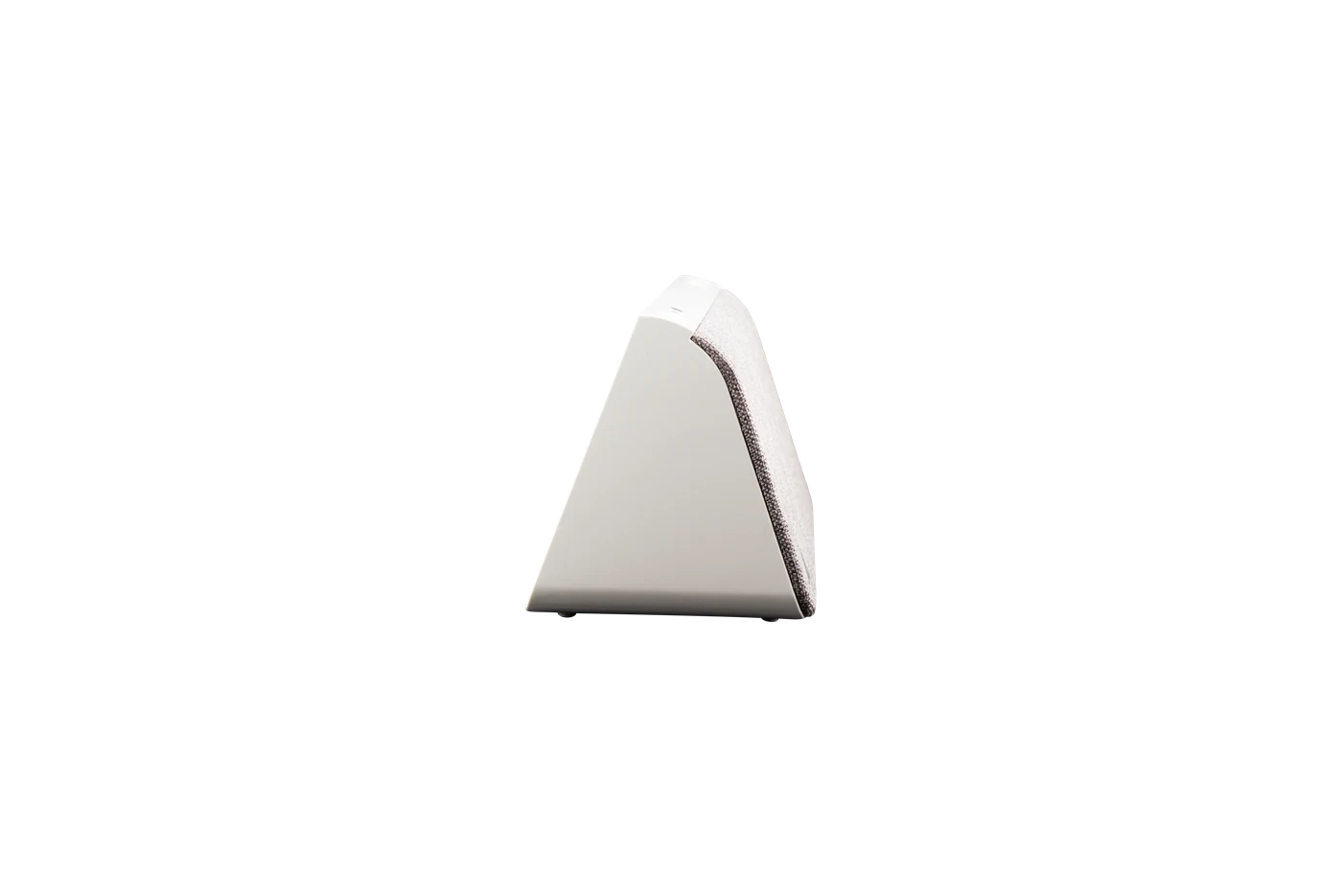
Three steps
No installation, no wiring, no monitoring contract. Kevin needs a power socket, a window that faces the street and a wall or ceiling for shadows.
Set Kevin near a window that is visible from outside, with a wall or ceiling behind it for shadows. Connect the power adapter. Three buttons on the device start the essentials without the app.
In the Kevin app, set a weekly schedule once, or switch on geofencing so Kevin starts by itself when your phone leaves the area. Leaving in a hurry no longer matters.
Warm light, moving silhouettes and everyday sounds play from the 32 GB inside the device, varying for up to four weeks without repeating. Nothing streams from the cloud, so a jammed Wi-Fi changes nothing.
3
Buttons on the device, no app needed to start
9 W
Typical power use
32 GB
Scenes stored on the device
Fits real life
A daily commute, a weekend away, a second home you visit once a month: Kevin follows the routine you set.
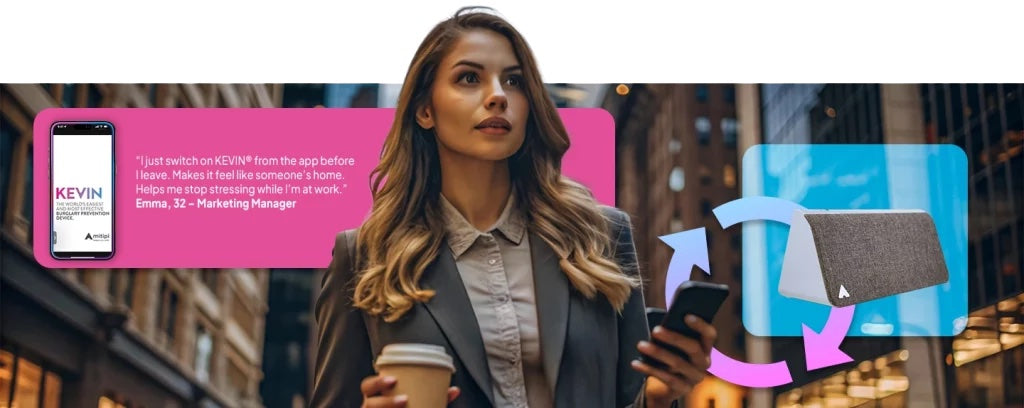
Geofencing starts Kevin when you leave and stops it when you return. The house never has the dark, silent look that says nobody is home.
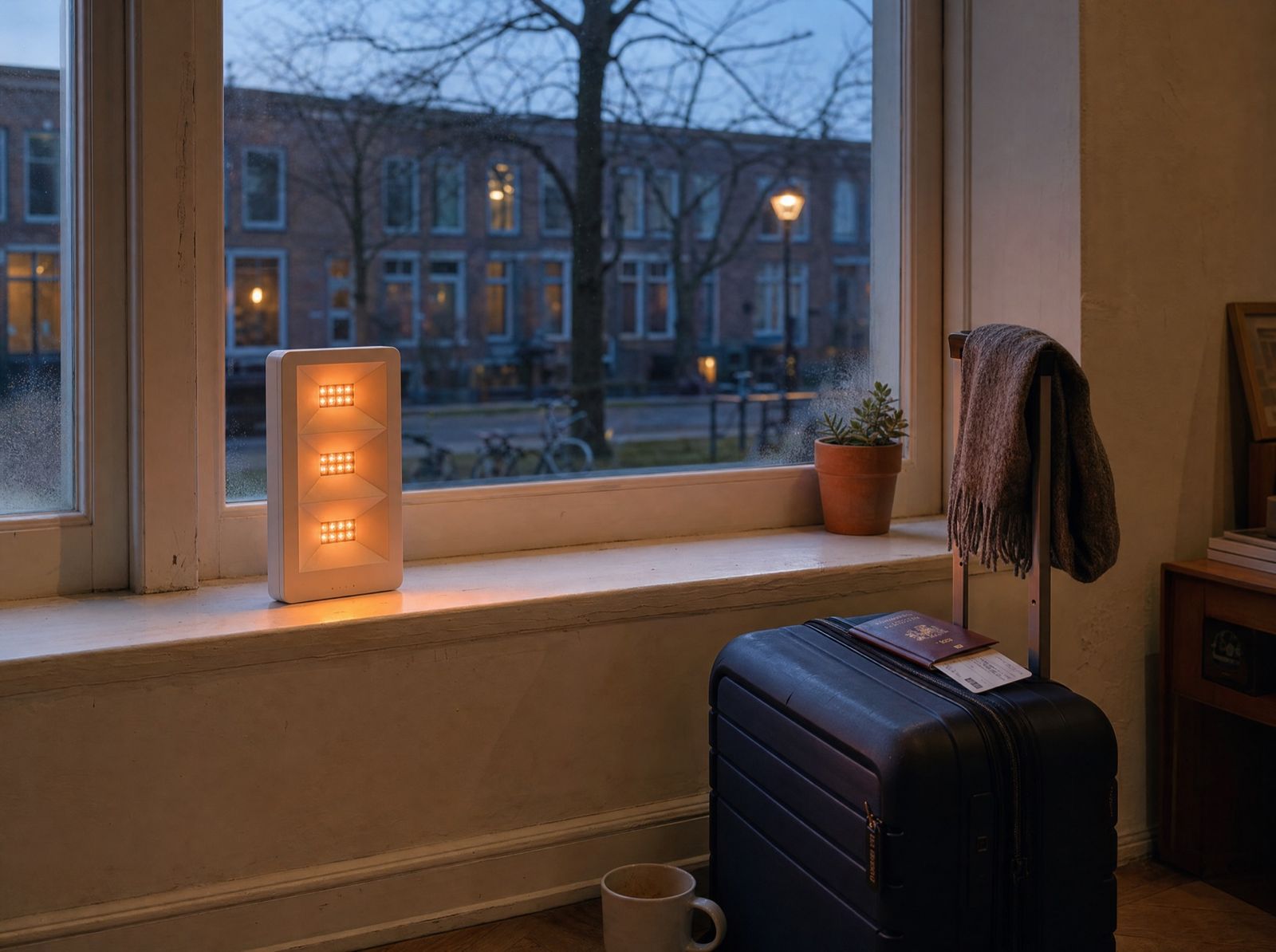
Set the holiday schedule before you go. Evening after evening the light comes on, shadows move and the TV mutters, with no lamp on a timer at the same time every night.

Put a Kevin in the chalet, the holiday flat or the office and manage them all from one app. Because scenes play locally, weak Wi-Fi on site is not a problem.
Why it works
Most break-ins are opportunistic. A home that glows, moves and sounds occupied gets skipped for one that does not. Kevin makes that decision for them before the door is ever tested.
Kevin covers one room per device. Place it where the street looks in: the living room, a ground-floor window, a shop front after hours. Larger homes or several facades: add a second unit and manage both in the app.
Configure your Kevin and check out securely. Free shipping across the EU, 30-day returns, 3-year Swiss warranty.