
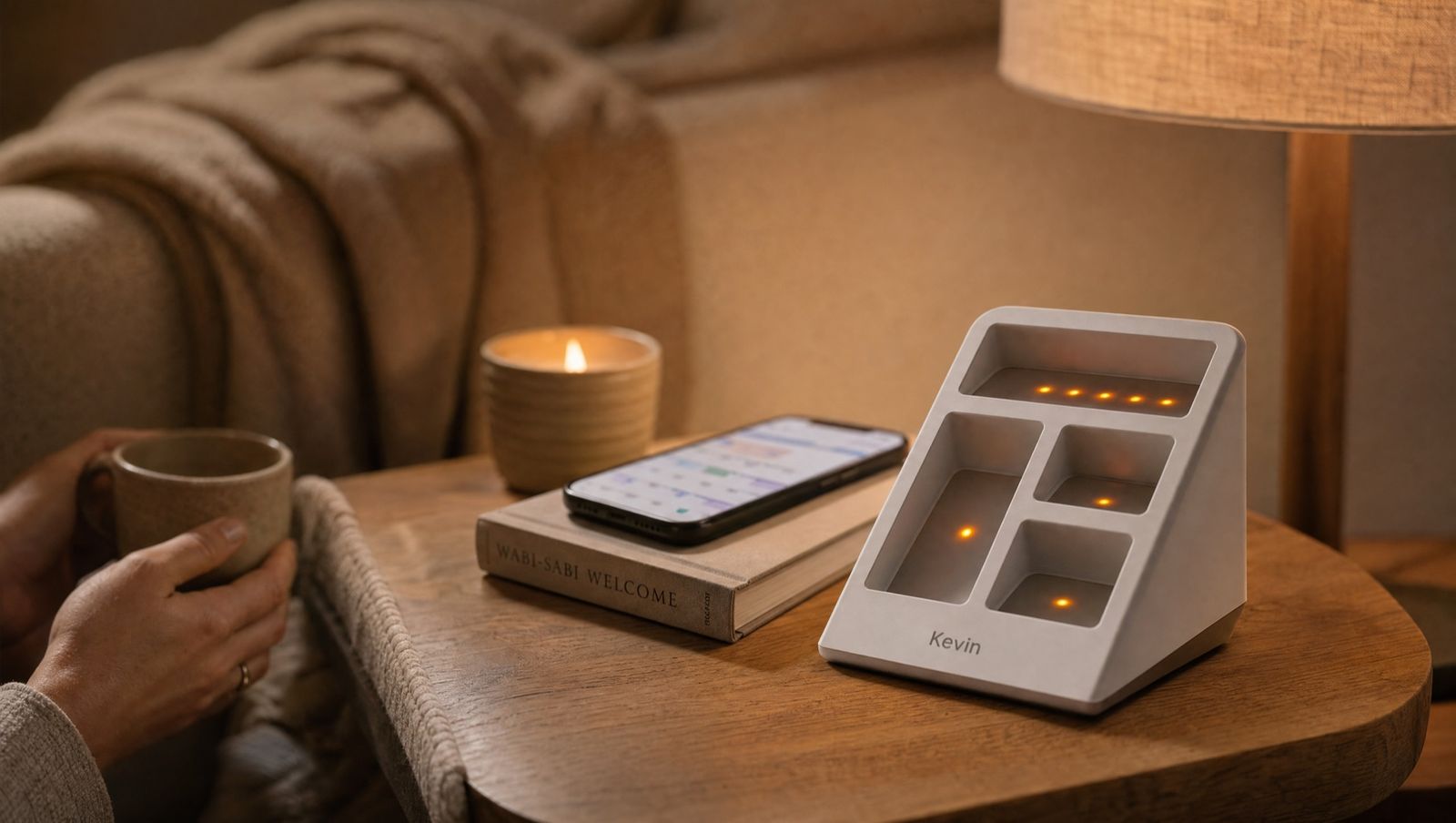
Weekly schedules
Set weekdays, weekends and holidays once. Kevin follows the plan so the house looks lived-in at the hours that matter, whether you remember or not.
The Kevin app
For busy households and anyone managing a parent’s or a second home from afar: schedules, geofencing and every device in one free app. No monitoring subscription, and nothing to renew.
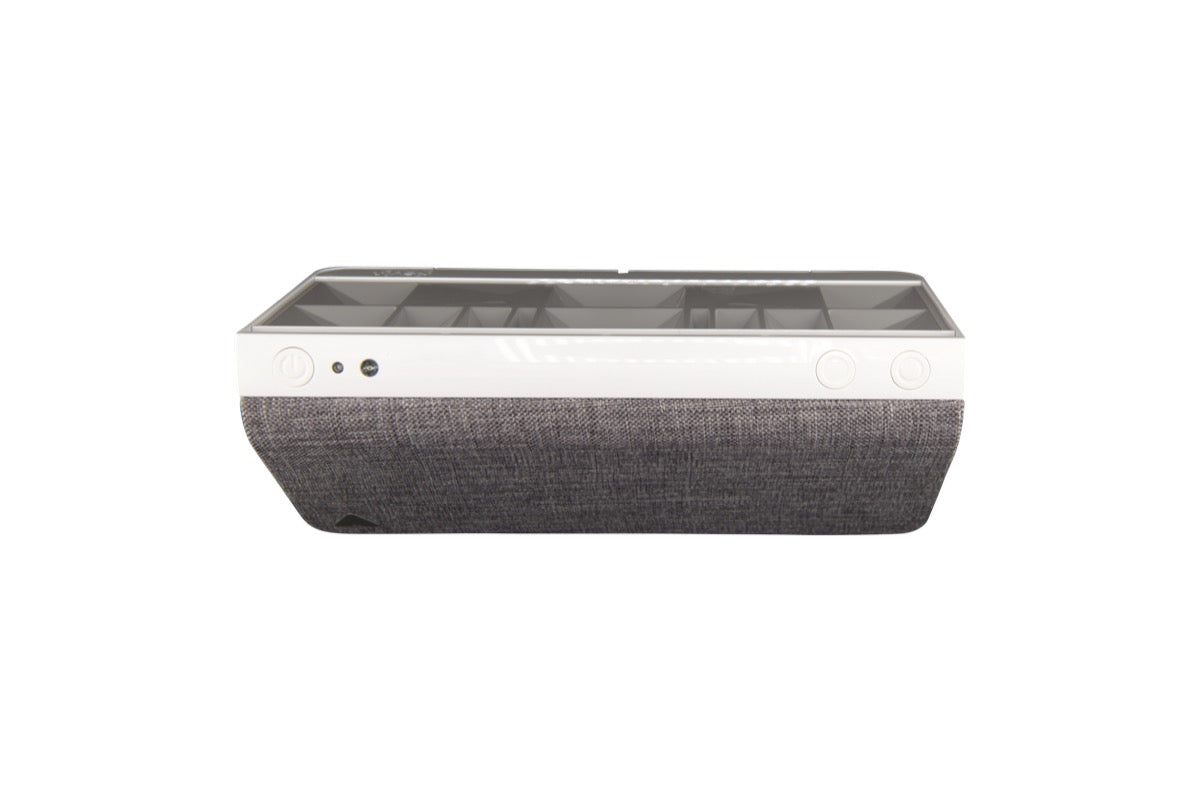
Set once, runs itself
The app is where you set the routine. After that, Kevin runs without taps, reminders or a monthly fee.
Set weekdays, weekends and holidays once. Kevin follows the plan so the house looks lived-in at the hours that matter, whether you remember or not.

Kevin starts when your phone leaves the area around your home and stops when you come back. The daily leave-and-forget routine without touching anything.
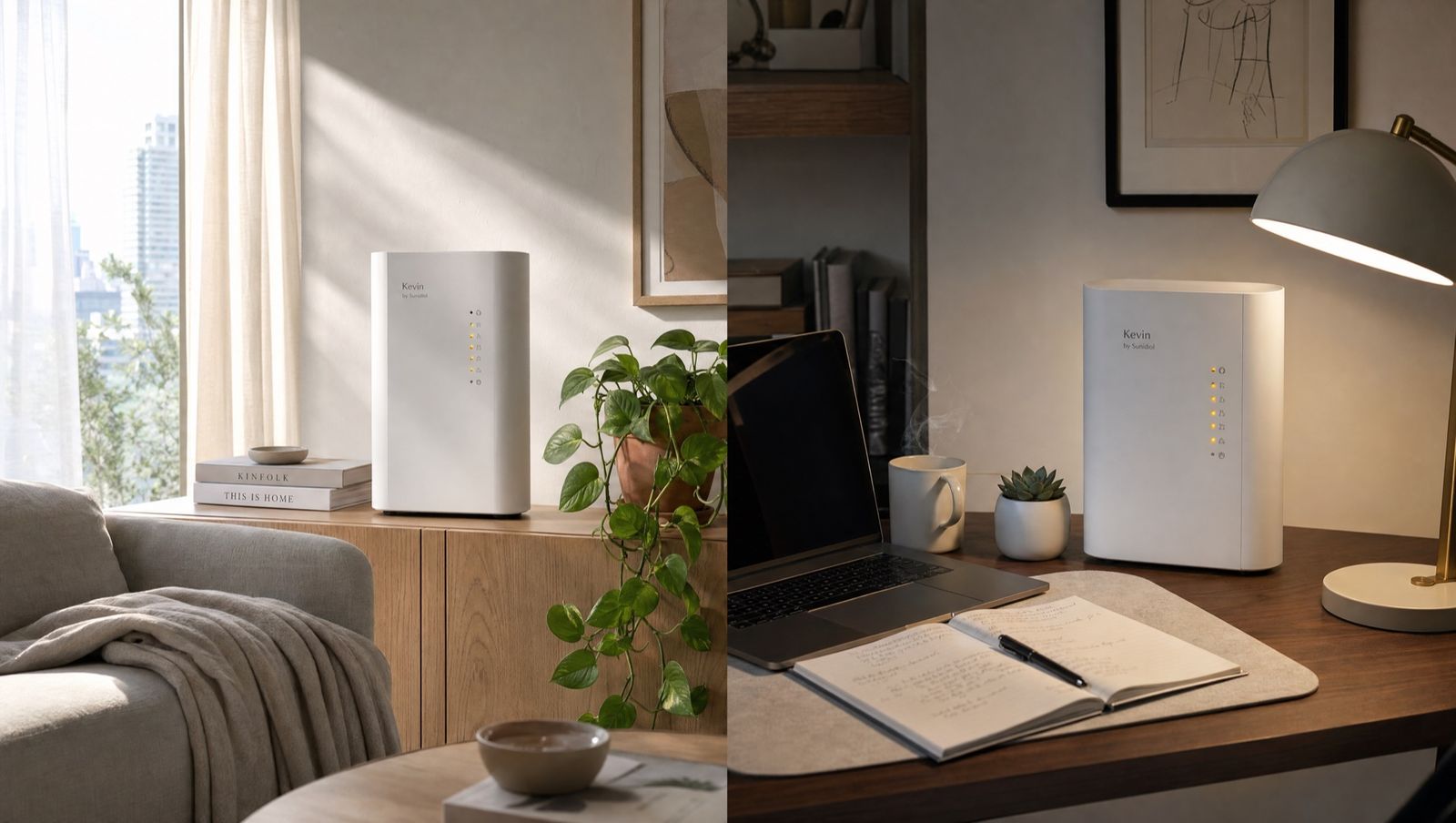
Your own home, a parent’s flat, the holiday house, the office: add a Kevin to each and check or adjust any of them from wherever you are.
Record dinner, the kids or the dog in the app. Kevin mixes your recordings with its 70+ hours of built-in scenes, so your home sounds like your home. Built-in voices come in English, German and Swiss German.
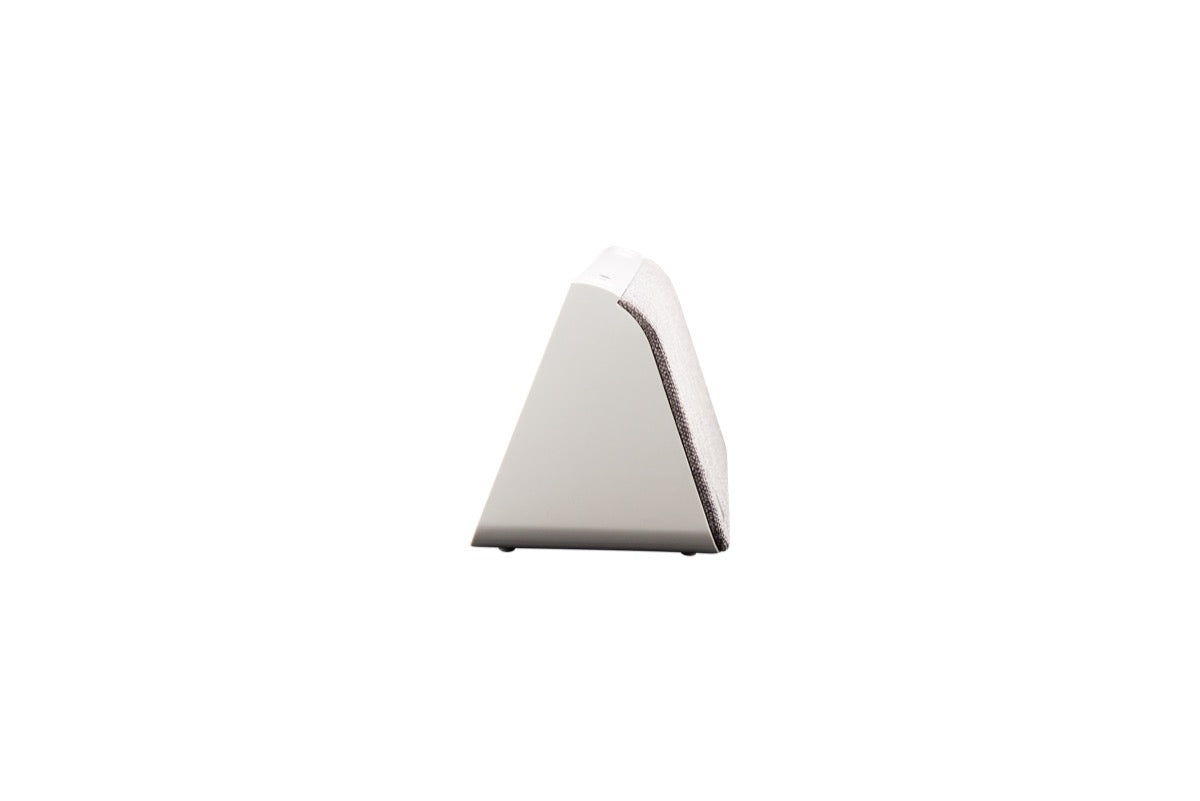
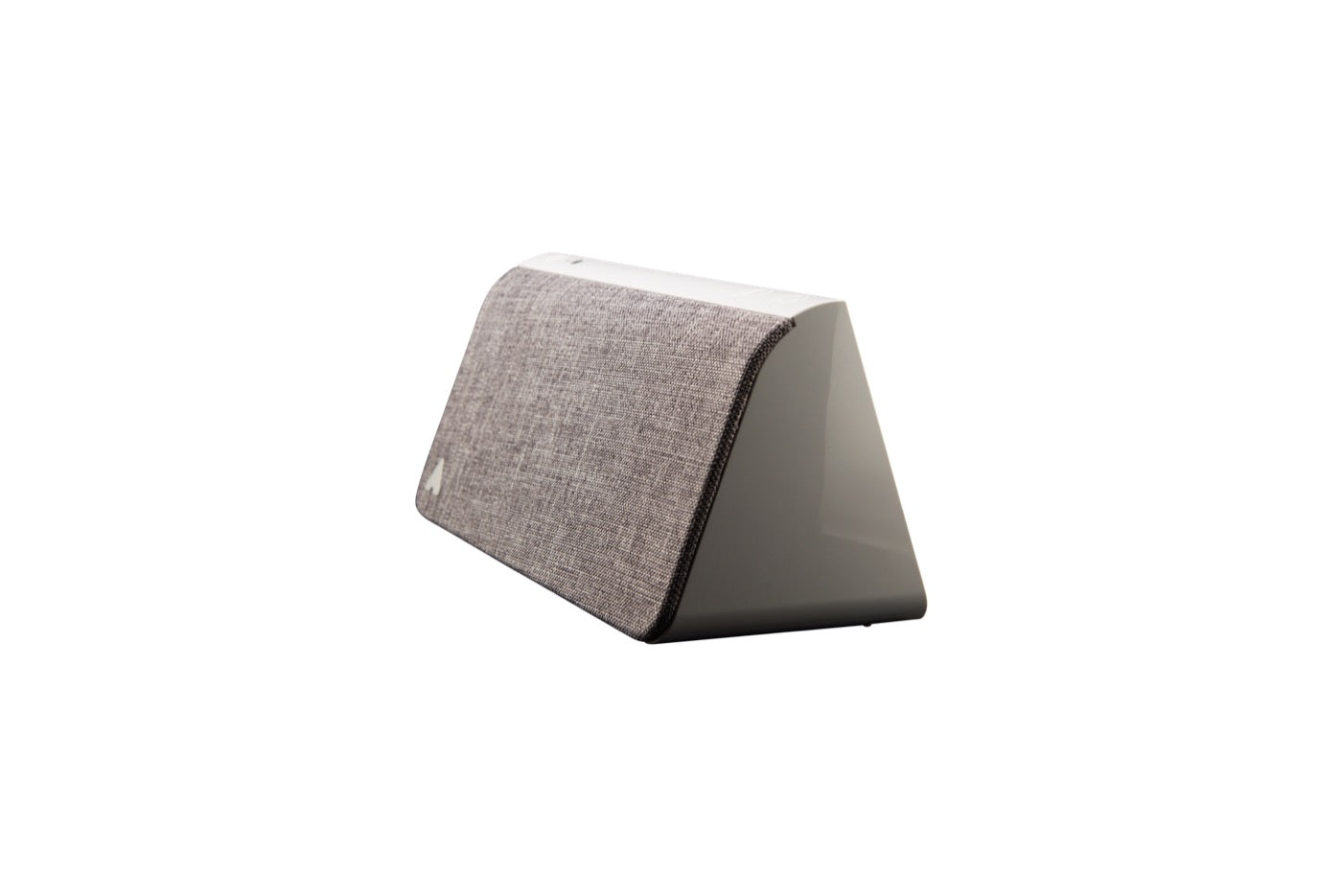
The app sends settings to Kevin. Kevin has no camera and no microphone, and every scene plays from its own 32 GB storage. There is no video feed, no cloud recording and nothing for anyone else to see.
Getting started
Download the app, connect Kevin over Wi-Fi or Bluetooth and choose a routine. The app is available in English, German, French and Dutch.
For iOS and Android. Search for Kevin by Mitipi in your app store.
Follow the in-app guide to connect Kevin over Wi-Fi or Bluetooth. Give it a name such as “Living room” or “Mum’s flat”.
Start a simulation now, set the weekly schedule, or switch on geofencing. Change it any time from wherever you are.
Buy Kevin outright with free shipping across the EU, 30-day returns and a 3-year Swiss warranty.